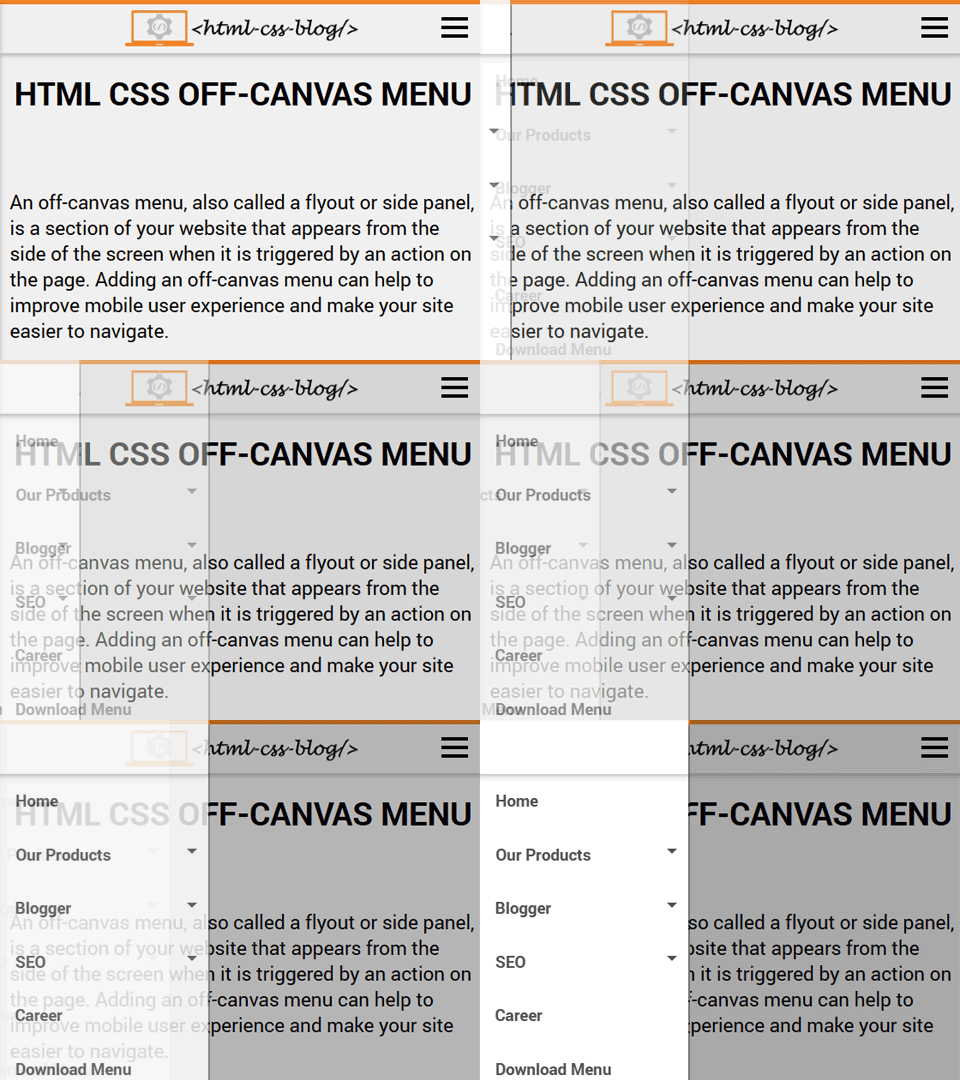
Responsive Off-Canvas Menu
Explore a side navigation panel that opens when a visitor activates the menu button. View the demo and download the HTML, CSS and JavaScript files.
Click to Know More »
Browse practical interface components, preview how they work, and download starter files to adapt for your own projects.
Explore a side navigation panel that opens when a visitor activates the menu button. View the demo and download the HTML, CSS and JavaScript files.
Click to Know More »
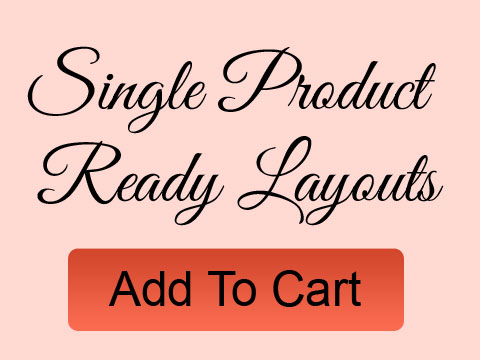
A starter product detail layout for an online store. Adapt the content, images and styling to fit your catalog and brand.
Click to Know More »
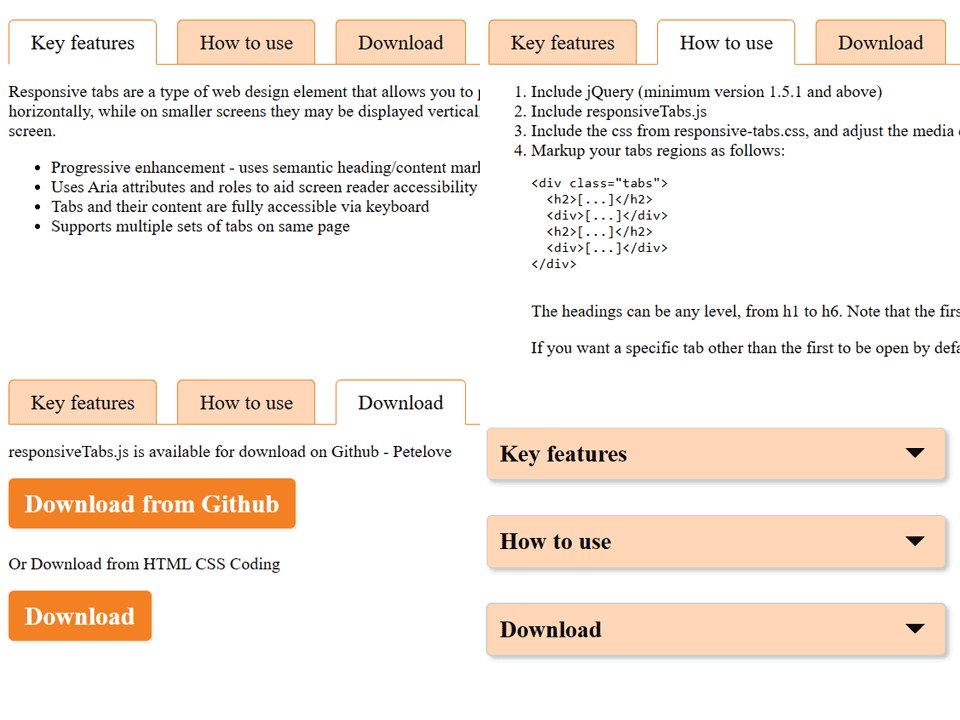
See a tabbed interface example that changes presentation for smaller screens.
Click to Know More »
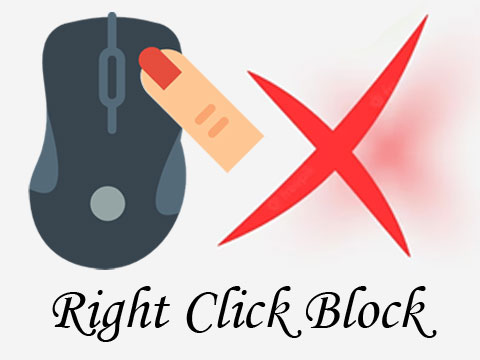
See how a script can intercept the browser context menu. Disabling right-click does not protect content and can make normal browser use harder.
Click to Know More »

Compare subtle image hover transitions that can add feedback to a gallery or card.
Click to Know More »
Each resource is a starting point you can inspect and adapt. Preview the demo first, then open the detail page to see what files are included and download the example.
Use the responsive menu when a page needs compact navigation, tabs when readers switch between related panels, and image hover effects for visual feedback in a gallery. Product layouts provide a page structure to customize. The right-click example is included for learning how browser context-menu events work; disabling the context menu is not a security measure and can interfere with normal browsing.
These examples are learning resources, not drop-in production guarantees. Review the code, check the terms for any third-party assets you use, and add accessible labels, focus styles and meaningful alternative text for your own content.